How to Check Smartphone Warranty, PTA Status & Authenticity
Learn how to verify a phone’s IMEI, warranty, PTA status and authenticity before you buy. A step-by-step guide to avoid fake, blocked or locked smartphones.
By Alishan | October 29, 2026
Buying a smartphone is one of the largest everyday purchases many of us make. Whether you are picking up a brand-new flagship from a shop, a used handset from a classified listing, or a refurbished phone from an online seller, the same risk applies: what you are told about the phone and what you actually receive may not be the same thing.
Table of Contents
Counterfeit devices, cloned IMEI numbers, blocked handsets, locked accounts and expired warranties are all common problems in the second-hand and grey markets. The good news is that almost all of them can be caught in a few minutes with free tools. This guide walks you through exactly how to check a smartphone’s warranty, PTA status and authenticity before you hand over any money.
Why Verifying a Phone Before Buying Matters
A phone that looks perfect on the outside can hide serious problems. A handset might be reported stolen and blocked by the network, which means it can stop working without warning. It might be an imported unit with no local warranty, so even a minor fault becomes your own expense. It might even be a convincing replica running a skinned version of Android with fake specifications.
Checking before you buy protects you in three ways:
- Financial protection: You avoid overpaying for a device that is worth far less than the asking price.
- Legal protection: You avoid owning a stolen, blocked or non-compliant device.
- Peace of mind: You know the phone is genuine, supported and covered if something goes wrong.
The process below works for any brand, including Apple, Samsung, Xiaomi, Oppo, Vivo, Infinix, Tecno, Realme and others.
Step 1: Find the IMEI Number
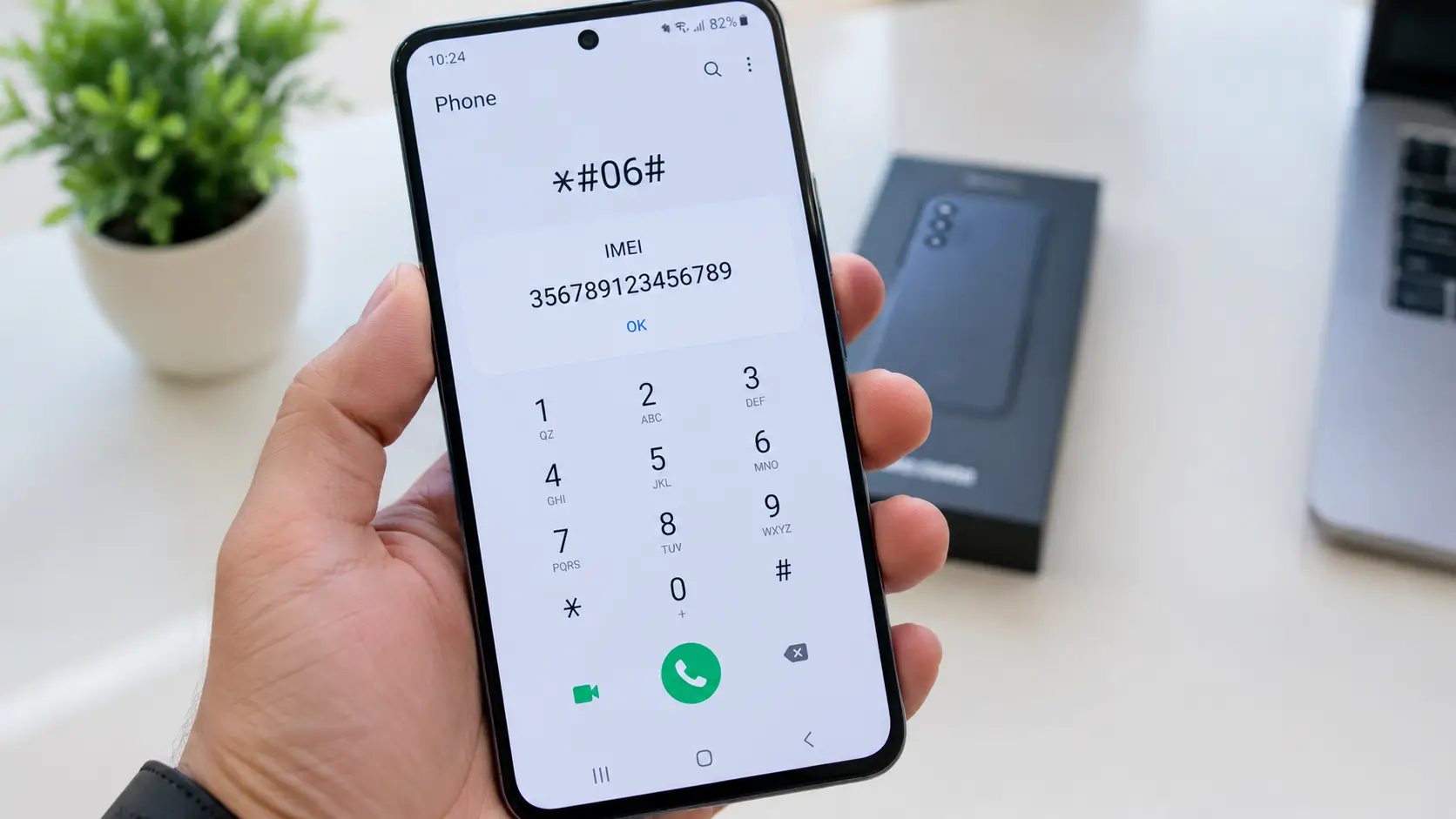
Every genuine phone has a unique 15-digit identifier called the IMEI (International Mobile Equipment Identity). Think of it as the phone’s fingerprint. Almost every other check in this guide starts with it.
You can find the IMEI in several places:
- Dial *#06# on the phone’s keypad. The number appears on screen immediately.
- Open the settings. On Android, go to Settings > About Phone > Status. On iPhone, go to Settings > General > About.
- Check the SIM tray or the back of the device, where many models have the number engraved or printed.
- Look at the retail box, where a sticker lists the IMEI and serial number.
Write down or photograph the number. Dual-SIM phones have two IMEIs, so note both.
Important red flag: The IMEI on the box, in the phone’s settings and on the device body should all match. If they do not, the box may belong to a different phone, the body may have been swapped, or the unit may be a clone. Walk away or ask for a clear explanation and proof.
Step 2: Check PTA Status (Pakistan)
If you are buying in Pakistan, PTA approval is one of the most important checks. A phone that is not registered with the Pakistan Telecommunication Authority (PTA) may lose network access, sometimes after an initial grace period. This is especially common with imported and used handsets.
The usual ways to check are:
- SMS: Send the 15-digit IMEI to 8484 and wait for the reply.
- DIRBS portal or app: Use the official PTA Device Identification, Registration and Blocking System (DIRBS) website or mobile app to enter the IMEI.
The result normally falls into one of these categories:
- Compliant: The device is approved and can be used on local networks.
- Non-compliant: The device has not been registered or taxes have not been paid. You may need to pay duty to make it usable.
- Blocked: The device has been blocked, often because it was reported lost or stolen. Avoid it.
Never rely on a seller’s word that a phone is PTA approved. Run the check yourself, on your own SIM or device, while you are with the seller. Because official procedures, fees and tax amounts change from time to time, always confirm the latest steps on the PTA’s official website before you buy.
Step 3: Verify the Warranty with the Manufacturer
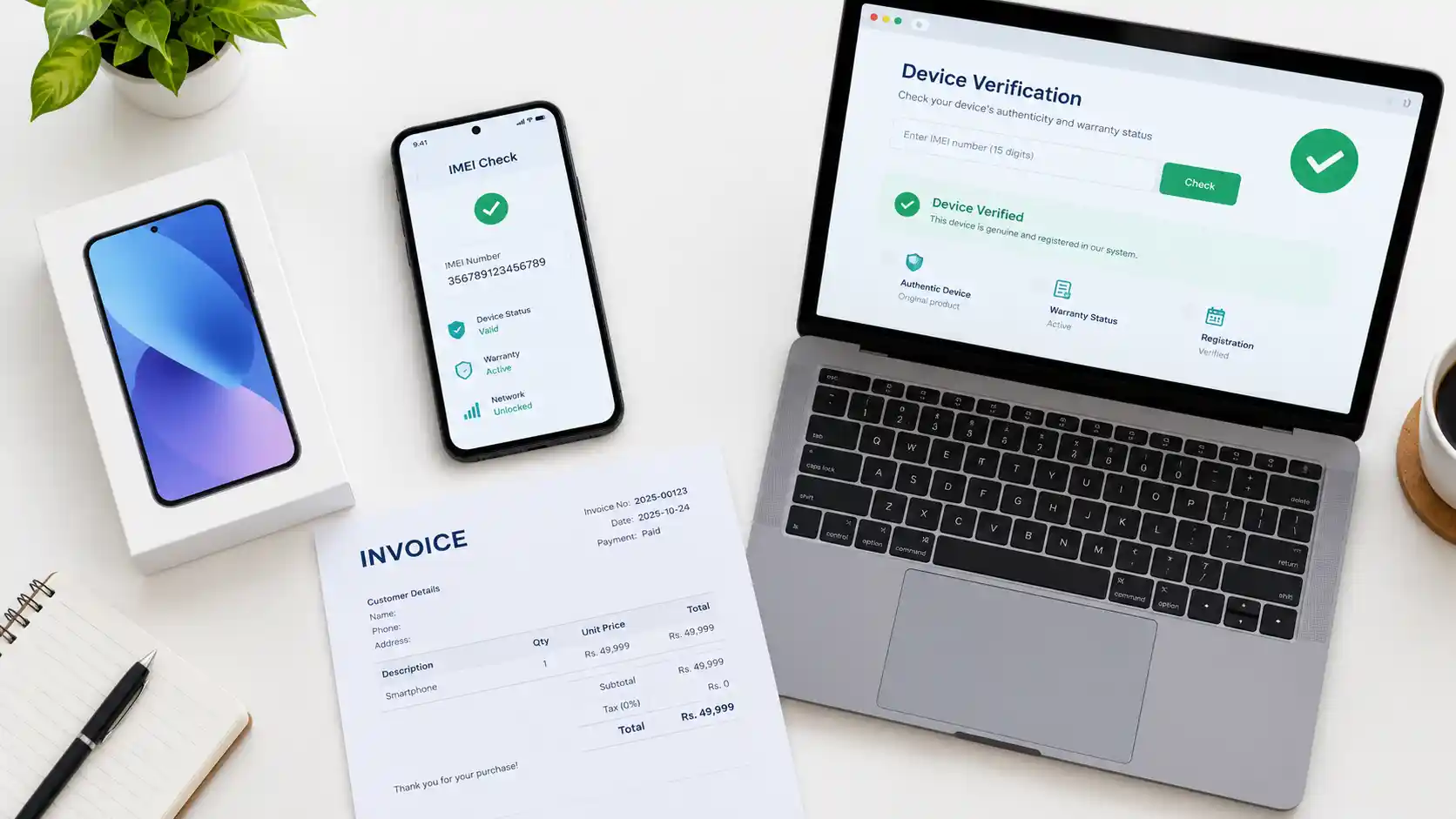
A seller may promise a one-year warranty, but the only warranty that matters is the one the brand itself recognises. Always verify it using the manufacturer’s official channels.
Apple: Visit checkcoverage.apple.com and enter the serial number. You will see the purchase validity date, whether the phone is covered, and whether AppleCare is active. This page can also reveal if the device is a replacement unit.
Samsung: Use the warranty or product registration lookup on Samsung’s official support site, or check inside the Samsung Members app for device information and support options.
Xiaomi, Redmi and Poco: Use the official verification and warranty tools on Xiaomi’s website, or contact an authorised service centre with the IMEI.
Oppo, Vivo, Infinix, Tecno, Realme and others: Check the brand’s local support page, or visit an authorised service centre with the IMEI and invoice. Many brands in Pakistan handle warranty through local distributors.
International vs. Local Warranty
This is where many buyers get caught. A phone imported from another country often carries an international or region-specific warranty that the local distributor may refuse to honour. Before you pay, ask:
- Is the warranty valid in Pakistan?
- Who is responsible for repairs, the brand, a distributor or only the shop?
- When does the warranty start, on the purchase date or the factory activation date?
Always ask for the answers in writing on the invoice.
Step 4: Confirm the Phone Is Genuine
Even with a valid IMEI, you should confirm that the hardware matches what the seller claims. Replicas have become more convincing, so combine several checks.
Use an IMEI Lookup Tool
Free services such as imei.info show the brand, model and basic specifications registered to an IMEI. Compare these details with the phone in your hand. If you are shown a flagship model but the IMEI belongs to an entry-level handset, you have found a clone or a tampered device.
Verify the Real Specifications
Fake phones often display false RAM, storage and processor details in their settings menu. Install a free diagnostic app such as CPU-Z, AIDA64 or DevCheck and compare the real chipset, RAM, storage, screen resolution and camera sensors with the official specifications on the brand’s website.
Test the Core Features
Spend a few minutes testing the phone properly:
- Display: Look for dead pixels, yellow tint, burn-in or touch lag. Open a plain white and plain black screen to spot problems.
- Cameras: Take photos with both front and rear cameras. Quality far below the advertised megapixel count is a warning sign.
- Speakers and microphone: Make a test call and play audio at high volume.
- Sensors and connectivity: Test Wi-Fi, Bluetooth, GPS, fingerprint or face unlock, and mobile data with your own SIM.
- Charging: Confirm the phone charges at a normal speed with the supplied charger.
Check Battery Health
On iPhones, open Settings > Battery > Battery Health. Unusually low capacity can suggest heavy use or a replaced battery. On Android, battery health tools vary by brand, so use the manufacturer’s own diagnostic menu or a trusted battery app.
Step 5: Check Activation and Lock Status
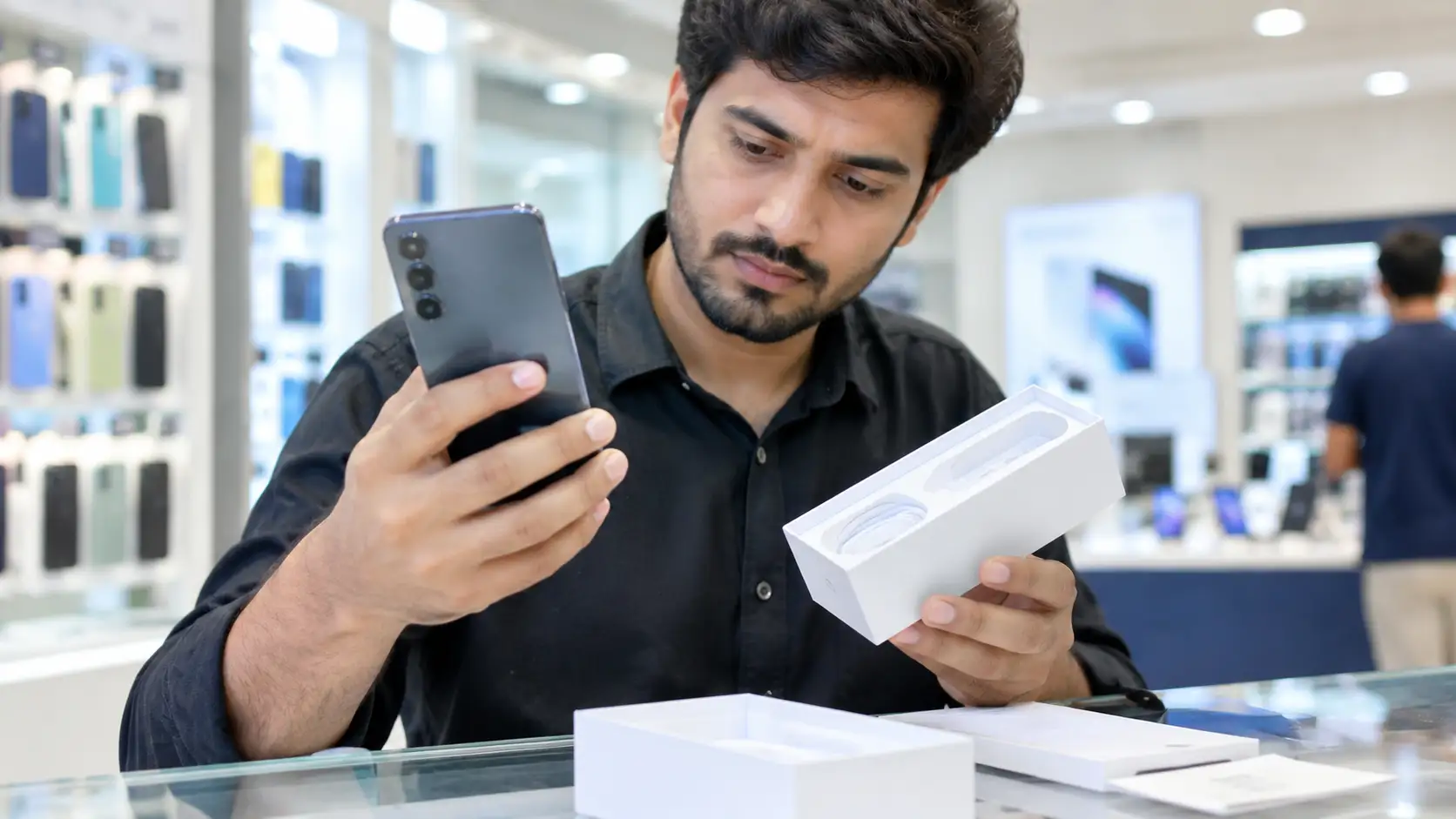
A phone can pass every hardware test and still be unusable if it is locked to a previous owner’s account.
iPhone: Make sure Find My iPhone is switched off and the phone is not signed in to another person’s Apple ID. Check Settings > General > VPN & Device Management for unknown management profiles. An iCloud-locked iPhone is effectively a brick and very difficult to unlock.
Android: Look out for Google Factory Reset Protection (FRP). With the seller’s permission, perform a factory reset and confirm the phone does not ask for the old Google account. Never buy a phone that the seller cannot reset in front of you.
Carrier locks and instalment plans: Confirm that the handset is not locked to a specific network and is not still under a financing agreement that gives someone else a claim over it.
Step 6: Inspect the Box, Accessories and Physical Condition
Small details often reveal a lot about a phone’s history.
- Packaging: Look for spelling errors, blurry printing, poor-quality seals or a box that does not match the phone’s colour and storage variant.
- Accessories: Genuine chargers and cables carry proper markings. A charger that looks cheap or mismatched can point to a replacement or refurbished package.
- Build quality: Check for uneven gaps, loose buttons, misaligned logos, scratches around the screws and signs of previous opening.
- Software: Unusual interfaces, missing Google services, strange pre-installed apps or constant pop-up ads suggest tampered or counterfeit software.
Step 7: Insist on Proper Paperwork
Documentation is your safety net if something goes wrong later.
- Get the original invoice or receipt with the shop’s name, contact details, date and the phone’s IMEI.
- For used phones, record the seller’s details, including their full name and contact number. A copy of their CNIC is the safest option where the seller is willing.
- Take photos of the IMEI screen, the box labels and the handset before you pay.
- Prefer authorised dealers and trusted marketplaces with buyer protection whenever possible.
New, Used or Refurbished: What Changes?
The core checks stay the same, but your priorities shift depending on the type of phone.
- Brand-new: Focus on warranty validity, PTA status, sealed packaging and invoice. Confirm the activation date has not already started.
- Used: Focus on lock status, PTA status, battery health, repair history and the seller’s identity.
- Refurbished: Ask exactly what was replaced, such as the screen, battery or housing. Request a written shop warranty and confirm that replacement parts are described honestly.
Common Scams to Watch For
Staying alert to the most common tricks makes you much harder to fool.
- The too-good-to-be-true price: A flagship phone sold far below market value is a strong warning sign.
- Rushed deals: Sellers who pressure you to pay quickly or refuse to let you test the phone are hiding something.
- IMEI switching: The box shows a valid IMEI, but the handset inside has a different one.
- Fake PTA claims: The seller says the phone is approved but will not let you run an IMEI check.
- Advance payment requests: Online sellers asking for money before you see the phone are often fraudsters.
Quick Pre-Purchase Checklist
- IMEI matches on the phone, box and invoice.
- PTA status confirmed as compliant through SMS 8484 or the DIRBS app.
- Warranty verified on the brand’s official website or service centre.
- IMEI lookup matches the claimed model.
- Real specifications confirmed with CPU-Z, AIDA64 or DevCheck.
- No iCloud, Google, MDM or carrier lock.
- Screen, camera, speakers, sensors and charging tested.
- Invoice and seller details saved.
Frequently Asked Questions
Can I check a phone’s warranty using only the IMEI?
In many cases, yes. Apple uses the serial number, while other brands may accept the IMEI. If a brand’s website does not offer a public lookup, an authorised service centre can verify it for you.
What does a blocked IMEI mean?
It means the device has been flagged, often as lost or stolen, and may not work on local networks. You should avoid buying it.
Is a PTA-approved phone always covered by warranty?
No. PTA approval only means the device can legally use local networks. Warranty is a separate matter handled by the brand or distributor.
Is it safe to buy a used phone online?
It can be, but only if you verify the IMEI, test the phone in person, check the lock status and receive proper paperwork. Avoid sending advance payments to strangers.
Final Thoughts
A smartphone is both an expensive purchase and a deeply personal device, so it deserves a few minutes of careful checking. Confirming the IMEI, verifying the warranty with the manufacturer, checking PTA status, testing the hardware and keeping proper paperwork are simple steps that protect you from the most common scams.
If a deal feels rushed, unclear or too good to be true, trust your instincts and walk away. A genuine phone with a valid warranty and clean status will always be worth more than a bargain that causes problems later.
Comments
0Share your thoughts about this article.
Leave a Comment
Join the discussion.
Login to join the discussion.
Login to CommentNo comments yet
Be the first to join the discussion.